
Stop Retyping Meeting Notes. Take a Photo Instead.
You have ten minutes.

You just left a one-hour meeting.
You took notes by hand.
They are messy.
There are arrows everywhere. Half-finished sentences. A few words you can barely read. Maybe something crossed out on the side of the page.
And now your manager wants a follow-up email.
Not tomorrow.
Today.
You have ten minutes.
This is where most people do one of two things.
They either try to retype everything from scratch, which takes too long.
Or they send a weak follow-up that misses half of what was actually discussed.
There is a better way.
Take a photo of your notes and let AI help you turn the page into action.
Not because AI is magic.
Because the goal of meeting notes is not to have notes.
The goal is to act on them.
The real problem with meeting notes
Most people treat notes like storage.
They write things down during the meeting and hope those notes will make sense later.
But notes get old fast.
What felt obvious during the meeting becomes unclear a few hours later.
A name without context.
A deadline without an owner.
A question mark beside a project name.
A crossed-out line you thought you would remember.
One week later, that page is almost useless.
That is why the best time to process your notes is right after the meeting, while the context is still fresh.
But you should not have to retype the whole thing manually.
That is where ChatGPT can help.
The workflow
Here is the simple workflow:
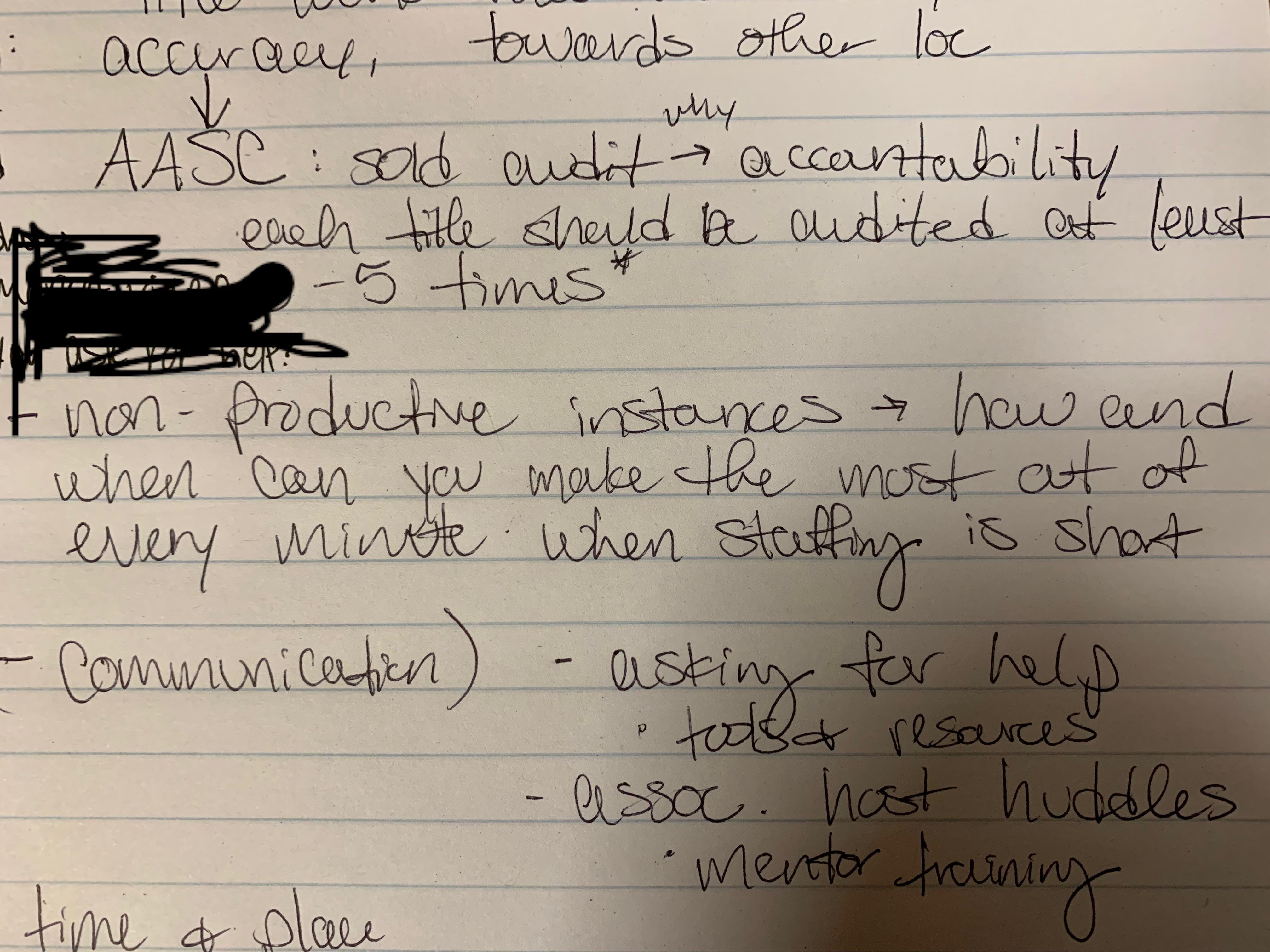
Take a photo of your handwritten meeting notes.
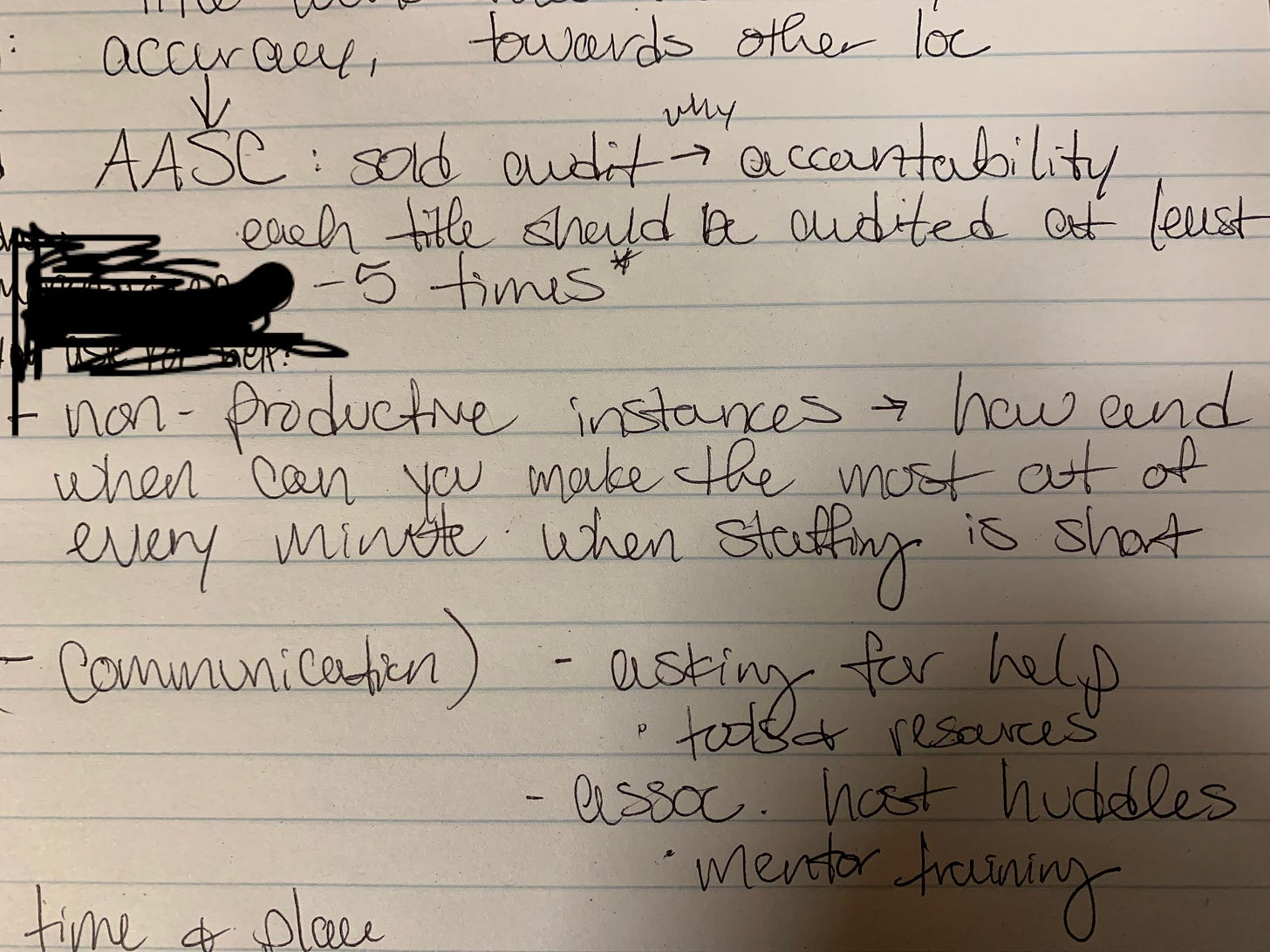
Upload the photo to ChatGPT.
Paste a clear prompt.
Ask it to organize the notes into something useful.
Review the output before sending anything.
That is it.
One photo.
One prompt.
One cleaner follow-up.
The key is not just asking ChatGPT to “summarize my notes.”
That is too vague.
You want to give it a structure.
Ask it to return:
a cleaned-up version of the notes
a short meeting summary
decisions made
action items
open questions
unclear items
a draft follow-up email
That structure matters because it turns the notes into something you can use.
The most important instruction: do not invent
This is the part people miss.
When you upload messy notes, some words may be hard to read.
Some lines may be crossed out.
Some sections may not make sense.
You do not want ChatGPT guessing.
So the prompt needs to include one important rule:
Do not invent anything. If something is unclear, say unclear.
That one line changes the quality of the output.
Now you can see what ChatGPT understood and what still needs your review.
That makes the workflow safer.
Because AI is fast, but it is not always right.
You can trust the speed.
You should still verify the details.
What this looks like in practice
In the video, I use a page of messy handwritten notes.
It has audit notes, productivity ideas, communication points, arrows, and crossed-out sections.
A week later, I probably would not remember half of what I wrote.
So instead of waiting, I process it right away.
I upload the photo to ChatGPT.
Then I paste the prompt.
In about a minute, ChatGPT turns the handwritten page into organized notes.
It creates a clean version of the notes.
It pulls out action items.
It identifies open questions.
And where something is hard to read, it says unclear instead of pretending to know.
That is the moment where this becomes useful.
Because now the notes are no longer just a messy page.
They are a plan.
The bonus move: draft the follow-up email
Once ChatGPT has organized the notes, you can ask one more thing:
Turn this into a follow-up email for the team.
This is where the workflow really saves time.
You are not starting from a blank page.
You already have the summary, decisions, action items, and open questions.
So ChatGPT can draft a clear follow-up email in seconds.
Then your job is to review it, fix anything that sounds wrong, and send it.
This is the difference between using AI as a toy and using AI as a work assistant.
You are not asking it to do everything.
You are using it to close the gap between the meeting and the next action.
The prompt
Here is the kind of prompt you can use:
I just finished a meeting and took handwritten notes. Please read the image and turn the notes into a clear follow-up format.
Do not invent anything. If a word, name, date, number, or action item is unclear, write “unclear” instead of guessing.
Please organize the output into these sections:
Clean version of the notes
Short meeting summary
Decisions made
Action items, with owner and deadline if available
Open questions
Items that are unclear or need verification
Draft follow-up email to the team
Keep the tone professional, clear, and simple.
You can adjust this depending on your job.
If you work in projects, add project risks and blockers.
If you work in finance, add budget items and approvals needed.
If you work with clients, add client commitments and next steps.
The structure can change.
The principle stays the same.
Turn notes into action.
Why this works
This workflow works because it removes the most annoying part of meeting follow-up.
The blank page.
You already did the hard part.
You attended the meeting.
You listened.
You wrote things down.
Now AI helps you organize what you captured.
It does not replace your judgment.
It gives your judgment a cleaner starting point.
That matters at work because the value is not in having perfect notes.
The value is in knowing:
what was decided
who owns what
what is still unresolved
what needs to happen next
That is what moves work forward.
Try this after your next meeting
The next time you leave a meeting with handwritten notes, do not retype them.
Take a photo.
Upload it to ChatGPT.
Use the prompt.
Review the output.
Then turn it into your follow-up email.
You might save 20 or 30 minutes.
But more importantly, you will reduce the chance that something important gets lost between the meeting and the follow-up.
That is the workflow.
One photo.
One prompt.
A better follow-up.
I show the full step-by-step video, including my secret meeting-notes prompt, on YouTube.
And if you want more simple AI workflows for real work, I also share them in my free newsletter.