
Stop Reading 100-Page Reports on Sunday Night. Use This AI Workflow Instead.
Your boss sends three reports and asks for your opinion by Monday. Here is how to turn that panic into a confident recommendation using NotebookLM.

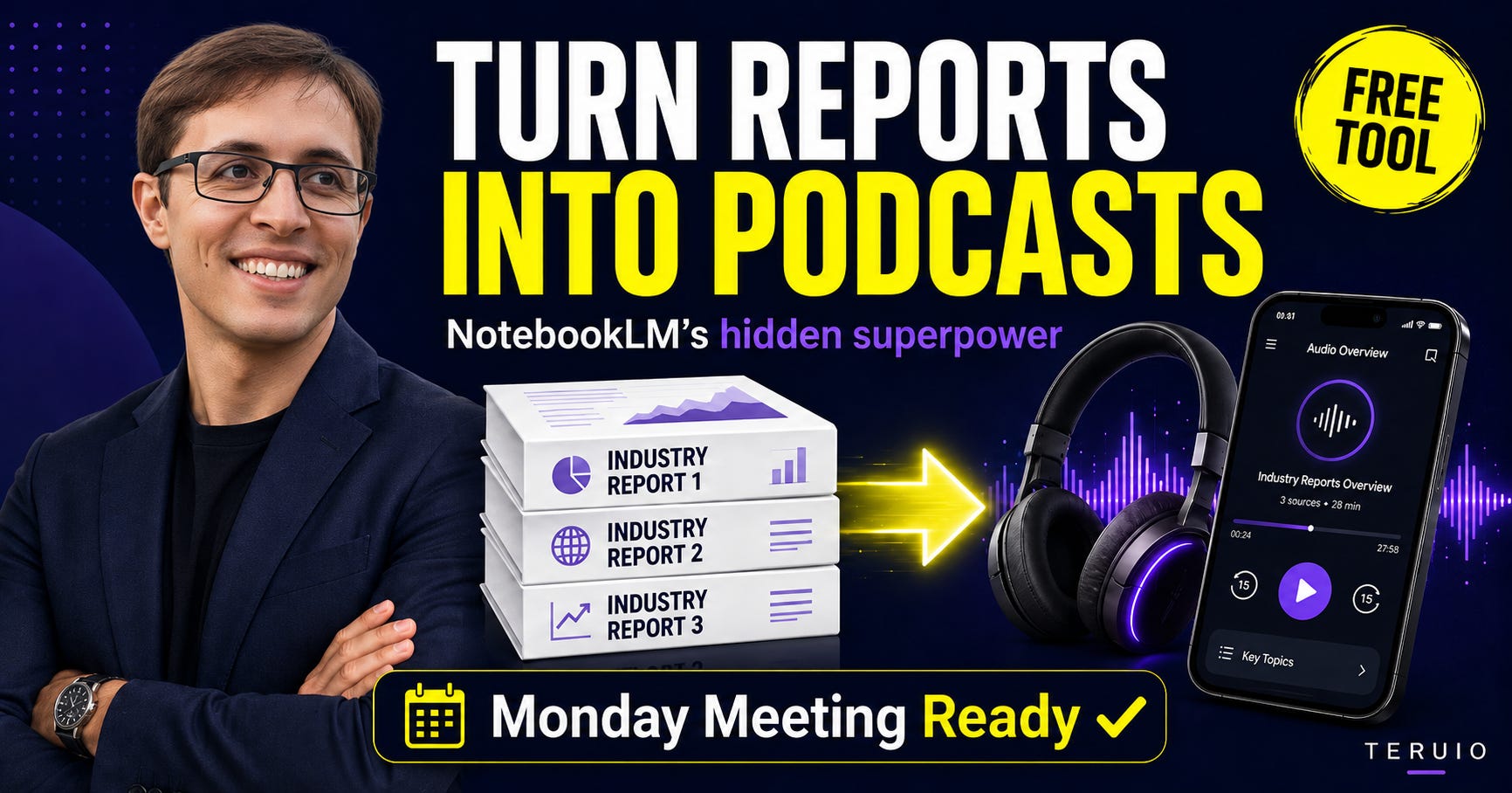
Your boss drops three industry reports into your inbox.
The subject line says:
“Let’s chat Monday.”
That is it.
No clear question. No summary. No direction.
Just three long reports, probably over 100 pages total, and the expectation that you will walk into the meeting with an opinion.
And the worst part?
It is already the weekend.
This is the type of work that quietly destroys your Sunday night.
You do not know the topic well. You are not the expert. You do not have a quiet afternoon to sit with coffee, highlight PDFs, and build the perfect recommendation.
So most people do one of two things.
They skim the reports the night before and hope nobody asks a hard question.
Or they panic, read everything in a rush, and walk into Monday tired, confused, and still not fully confident.
But there is a better way.
Not because AI replaces your thinking.
Because AI can do the heavy reading, so you can do the actual thinking.
That is the workflow I showed in my latest YouTube video:
Watch the full video here
The example in the video is simple: your boss asks for your take on moving from Excel to SAP for project tracking and sends you three reports to review before Monday. The workflow uses NotebookLM to turn those reports into an audio briefing, structured research notes, a mind map, and finally a draft briefing note with source citations.
But the real lesson is bigger than SAP, Excel, or any single report.
The lesson is this:
Your commute is now research time. Your walk is now research time. Your morning coffee is now research time.
The old way of researching is broken
The old model of knowledge work assumes you have time.
Time to read.
Time to compare.
Time to take notes.
Time to think.
But most professionals do not get work that way anymore.
You get an email on Friday.
You get a meeting invite for Monday.
You get three attachments.
And somehow, you are expected to have a point of view.
That is the hidden pressure of modern work.
It is not just that we have too much information.
It is that we are expected to turn information into judgment faster than ever.
And this is where people misunderstand AI.
The value is not asking AI, “What should I think?”
The value is asking AI, “Help me understand the material faster so I can decide what I think.”
That difference matters.
Because when you are preparing for a real meeting, especially at work, you cannot walk in with a random AI answer.
You need receipts.
You need sources.
You need to know where each claim came from.
That is why this workflow uses NotebookLM.
Why NotebookLM is different from ChatGPT
ChatGPT is excellent when you need fast preparation.
A meeting in 20 minutes.
A messy email thread.
A quick summary.
A first draft.
But NotebookLM is different.
NotebookLM is better when you have actual source material and a few hours or days to learn something properly.
You upload or link the documents, and NotebookLM works only from those sources.
That means the answer is grounded in the material you provided.
In the video, I used three reports and asked NotebookLM to analyze only those reports. That is the key. It is not searching the whole internet. It is not guessing. It is working inside the evidence you gave it.
That makes it much safer for professional work.
Because when you are talking to your boss, your director, your team, or a client, you do not want an answer that sounds smart.
You want an answer you can defend.
The workflow: from panic to prepared
Here is the practical version of the workflow.
Step 1: Create a notebook for the topic
Start with the situation.
Your boss asks:
“Can you look into this before Monday?”
Instead of downloading every file, opening every report, and trying to read from page one, create a new notebook in NotebookLM.
Give it a clear title.
For example:
SAP vs Excel Research
AI Policy Review
Healthcare Funding Model Scan
Cybersecurity Risk Briefing
Market Trend Analysis
The title matters because you are not just storing documents.
You are building a mini research environment around one decision.
Step 2: Add only the sources you trust
This is where the workflow becomes powerful.
Add the specific sources you were given.
Reports.
Web links.
PDFs.
Briefing materials.
Policy documents.
Meeting attachments.
The point is not to ask AI for a general answer.
The point is to tell AI:
Use these documents. Nothing else.
That creates a safer research space.
You are not asking for internet vibes.
You are asking for a source-based analysis.
Step 3: Generate an audio overview
This is the part most people are still not using enough.
NotebookLM can create an audio overview from your sources.
That means the 100 pages you were avoiding can become something you listen to while walking, driving, cleaning, or having coffee.
This does not replace reading.
But it gives you orientation.
It helps you understand:
What is this topic about?
What are the main tensions?
What are the risks?
What seems important?
What should I pay attention to when I go deeper?
This is the shift:
You no longer need to start research at your desk.
You can start by listening.
And once you have the big picture, the detailed reading becomes much easier.
The prompt I would use every time
After the audio overview, go to the chat panel inside NotebookLM and ask for a structured breakdown.
Here is the prompt:
Across these sources, give me:
The key claims
Where the sources agree
Where the sources disagree
The main risks
Things to watch for
Use only the documents I provided.
That prompt is simple, but it is powerful.
Because it forces the AI to compare, not just summarize.
Most people use AI like this:
“Summarize this report.”
That is useful, but basic.
A better question is:
“Where do these sources agree and disagree?”
That is where the value starts.
Because in real work, you are rarely asked to know what one document says.
You are asked to form a view across multiple inputs.
That means you need comparison.
You need contradictions.
You need trade-offs.
You need risks.
You need judgment.
The hidden skill: do not outsource your opinion
Here is the part I think matters most.
Do not ask AI to make the recommendation for you too early.
That is the mistake.
If you ask too soon, you get a polished answer before you understand the issue.
It may sound good.
It may even be reasonable.
But it is not yours yet.
Instead, use AI to organize the evidence.
Then you make the call.
That is the difference between:
AI recommending something for you
and
you using AI to sharpen your own recommendation.
In the video, I said something important:
You can tweak the recommended next step. You can change it. Because the judgment is yours, not the AI’s.
That is how professionals should use AI.
Not as a replacement brain.
As a second brain.
A research partner.
A pressure reducer.
A way to get from messy information to clear thinking faster.
Step 4: Ask for a two-page briefing note
Once you understand the topic, you can ask NotebookLM to turn the source material into a briefing note.
Use this prompt:
Based on all sources, turn this into a two-page briefing note. Include the key issue, background, source-based findings, risks, options, and a recommended next step. Use citations from the provided documents.
This gives you a working draft.
Not a final product.
A draft.
That distinction matters.
You still need to review it.
You still need to adjust the tone.
You still need to apply your organization’s context.
You still need to decide whether the recommendation actually makes sense.
But now you are not starting from a blank page.
You are starting from organized thinking.
That is a huge difference.
What this workflow actually gives you
This workflow is not just about saving time.
It gives you four things that are more valuable than speed.
1. Orientation
You understand the topic faster.
Before you read deeply, you know the landscape.
You know the common themes.
You know the vocabulary.
You know what to pay attention to.
2. Confidence
You walk into the meeting with a point of view.
Not because AI gave you one.
Because you used AI to process the material and build one.
3. Receipts
You can go back to the source.
This is critical at work.
If someone asks, “Where did that come from?” you can show the document.
That makes your contribution more credible.
4. Better judgment
When AI handles the first layer of reading, your brain has more space for the higher-value work:
What matters here?
What is risky?
What is missing?
What would I recommend?
What would my boss need to know?
That is the work that actually gets noticed.
When to use ChatGPT vs NotebookLM
Here is the simple way I think about it.
Use ChatGPT when the meeting is soon and you need fast help.
For example:
You have 20 minutes.
You need to summarize an email thread.
You need to prepare questions.
You need to turn rough notes into a draft.
You need to clean up a message.
Use NotebookLM when you have source material and need deeper learning.
For example:
You have a few days.
You have several reports.
You need to compare documents.
You need citations.
You need to understand a topic before forming a recommendation.
Different tools.
Different time horizons.
Same principle:
AI does the heavy reading. You do the thinking.
Try this before your next meeting
Here is the challenge.
Find one topic you have been avoiding.
Maybe it is a long report.
Maybe it is a new trend in your industry.
Maybe it is a policy document.
Maybe it is a topic your supervisor expects you to understand.
Open NotebookLM.
Add the sources.
Generate the audio overview.
Listen to it during your next walk or commute.
Then use the structured prompt:
Across these sources, give me the key claims, where they agree, where they disagree, risks, and things to watch for. Use only the documents I provided.
After that, ask for a two-page briefing note.
Then review it.
Challenge it.
Improve it.
Make the recommendation yours.
That is the real AI skill.
Not prompting for a perfect answer.
Building a repeatable workflow that helps you think better under pressure.
Final thought
The future of work is not about reading everything faster.
It is about knowing how to move from information to judgment faster.
That is what this workflow does.
Three reports.
One weekend.
One Monday meeting.
Instead of panic, you walk in prepared.
Not because you faked it.
Because you actually did the work differently.
You used AI to carry the heavy reading.
And you kept the thinking for yourself.
CTA for the bottom of the post
I recorded the full step-by-step workflow on YouTube, including how to use NotebookLM, generate the audio overview, create a mind map, ask the right research prompt, and turn the sources into a briefing note.
Watch it here:
How to Research 100 Pages Before Monday Using NotebookLM
And if you want more practical AI workflows for real work, follow me on YouTube and subscribe to my newsletter. I share simple workflows you can actually use at work — no hype, no theory, just useful AI for real situations.