

If you’re a high-performing lead or manager, you don’t need more “information”—you need clarity. You ne
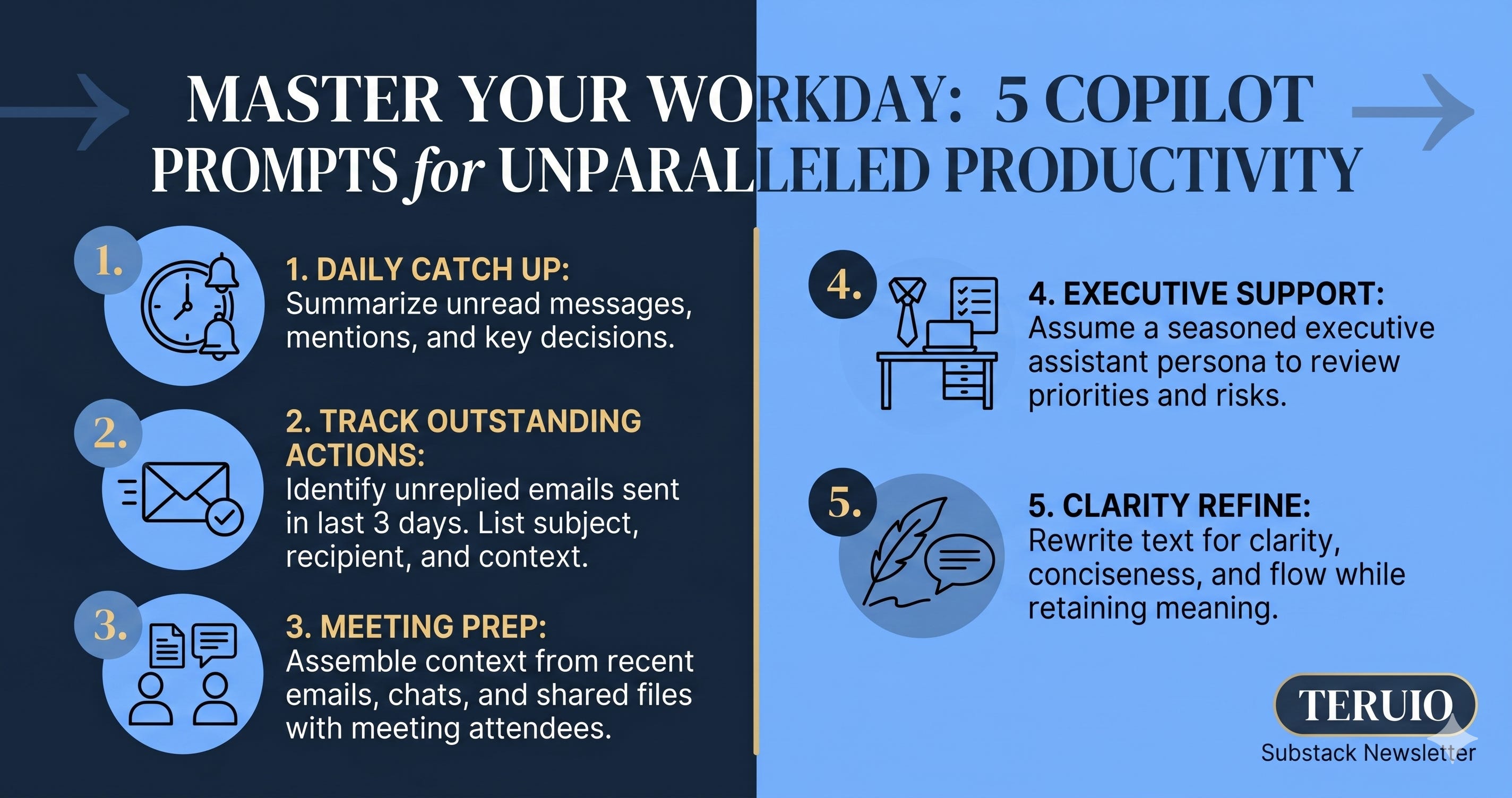
Here are 5 high-signal prompts to turn Copilot into your personal executive assistant.
1. Catch Up on the Chaos
The first 30 minutes of the day shouldn’t be spent scrolling through threads. Use this to get a bird’s-eye view of your priorities.
Prompt: “Give me a complete catch up on everything I have missed. Summarize my key unread emails, Teams messages, and any outstanding actions across all threads. Prioritize anything from my manager [Name]. Highlight every @mention, list anything that needs my response, and flag items that are overdue or time-sensitive. For each email or thread, give me a clear one-line summary, the key decisions or updates, and the next step I need to take. Present everything as sharp, scannable bullet points.”
2. The “No One Left Behind” Follow-Up
Dropped balls are the silent killer of projects. Let Copilot play bad cop for you.
Prompt: “Identify every email request I have sent in Outlook that has not received a reply in the past three business days. For each one, list the subject line, who I emailed, and when it was sent. Add one or two sentences of context so I can remember what I asked for, then present the key details and required follow-up in sharp bullet points so I can review and act quickly.”
3. Meeting Prep in Seconds
Never walk into a meeting “cold” again. This prompt pulls your shared history into a 30-second briefing.
Prompt: “Prepare me for my upcoming meeting with [Name]. Pull together everything relevant, including recent emails, Teams messages, and shared documents between us. Summarize the key discussions, decisions, open issues, and risks. Highlight every action item linked to this relationship, including what I owe, what they owe, and anything overdue or time sensitive. Give me a tight, scannable briefing with clear bullet points so I walk in knowing the history, the context, and the next steps.”
4. Setting the “Executive Assistant” Persona
If you want Copilot to think like a pro, you have to tell it who it is. Run this as a “prime” prompt at the start of your session.
Prompt: “You are my executive assistant with more than ten years of experience supporting senior leaders. Use the information available from Outlook, Teams, SharePoint, and any relevant internal files. Help me stay organized and focused by reviewing everything on my plate and identifying what matters most. Pull out my priorities, action items, deadlines, risks, and anything that needs a follow-up. Structure it clearly so I know exactly what to do next and what needs my attention today.”
5. The Clarity Filter (The Communication Refiner)
Clear writing is clear thinking. Use this to ensure your output matches your intent before you hit send.
Prompt: “Rewrite the following text so it is clear, concise, and easy to read. Keep the original meaning, remove any confusion, and make the sentences flow naturally. Only return the polished final version: [Insert your draft here].”
Why this matters
We are moving from an era of “doing the work” to “orchestrating the work.” These prompts aren’t just shortcuts; they are the framework for a more intentional workday.
If you want more of these high-signal AI workflows, make sure you’re subscribed